…
Pong
You: Tilt left / right
In game: Moves the paddle along the bottom edge
setMode(.paddle)
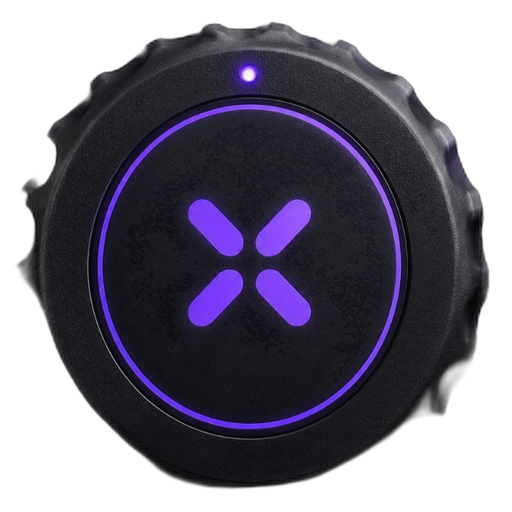
Use Triki with Swift to turn real-world movement into game input via BLE. One GameInput struct per frame — paddle, throw, or pointer.
Swift
Call connect(), then pollInput() each frame — MotionSDK handles BLE scan and maps packets to GameInput. Or feed your own bytes with enqueueBLE; TrikiInputAdapter in the sample app adds calibration UI.
Open Swift quickstart →import VeltoKit
let motion = MotionSDK()
motion.setMode(.paddle)
motion.connect()
func update(dt: TimeInterval) {
let input = motion.pollInput(deltaTime: dt)
paddle.x = CGFloat(input.posX) * viewWidth
if input.didShoot { serveBall() }
}
Scan for the Triki device, pair once, stream gyro + button bytes.
Tilt, rotation, press — normalized and smoothed inside VeltoKit.
Read GameInput each frame; drive sprites, UI, or physics.
Reference demos in this repo — copy the pattern, swap the art.
You: Tilt left / right
In game: Moves the paddle along the bottom edge
setMode(.paddle)
You: Pull back, then flick forward
In game: Aims with tilt; throw power sets dart velocity
setMode(.pointer)
You: Swing motion + aim tilt
In game: Lane offset from tilt; swing maps to ball power (3D SceneKit demo)
setMode(.gesture)
You: Tilt to highlight · press to confirm
In game: Selects answer A–D; button edge submits
setMode(.paddle)
Map hardware signals to gameplay with MotionSDK modes or direct fields on GameInput.
posX, posYrotation, lateralshotTriggered, throwPowerdidShoot, primaryActionSDK-only path (no adapter):
import VeltoKit

let sdk = MotionSDK()
sdk.enqueueBLE(bleBytes)
sdk.updateFrame(deltaTime: dt)
let input = sdk.input  // posX, throwPower, didShoot, …
Search all documentation from the navbar (⌘K / Ctrl+K). Download ready-made Cursor or Claude prompt files below.
One-file prompts for Cursor or Claude. In a clone they are at website/static/skills/. Use the docs Search box in the navbar (⌘K / Ctrl+K) to find SDK topics quickly.
PL: Wyszukiwarka — pole Search w prawym górnym rogu (`⌘K` / `Ctrl+K`). Pobranie skilli — przyciski poniżej lub menu AI Skills → ↓ Download Cursor (.md) / ↓ Download Claude (.md).
Best for understanding the repo: open AGENTS.md at the repo root (already in clone). Cursor: skill is at .cursor/skills/veltokit/SKILL.md or paste downloaded file into chat. Claude: attach AGENTS.md or add Project instructions from the downloaded file.
Swift-first SDK, open sample games, docs you can skim in five minutes.